How to Recover an Unsaved Word Document: 2 Methods

Learn how to recover an unsaved Microsoft Word document using AutoRecover and the Windows Temp folder. This step-by-step guide explains how to restore lost files, locate ASD recovery documents, and enable AutoRecover to help prevent future data loss.
How to Insert Equations in Word: 3 Easy Methods

Learn how to write mathematical equations in Microsoft Word using the built-in Equation Editor. This step-by-step guide shows how to insert equations, create fractions, use mathematical symbols, and draw handwritten equations with the Ink Equation feature for professional academic and technical documents.
How to Change your Username for Track Changes in Word: 2 Methods

Learn how to change your Track Changes username in Microsoft Word so comments and edits display the correct author name. This step-by-step guide explains how to update your user information, use a custom username, and manage Microsoft account settings for document collaboration.
How to Cut, Copy, and Paste in Microsoft Word

Learn how to cut, copy, and paste in Microsoft Word using ribbon commands, right-click options, and keyboard shortcuts. This beginner-friendly guide explains the differences between each function and shows how to move or duplicate text, images, and other objects quickly and efficiently.
How to Add a Line Under a Header in Word: 3 Easy Methods

Learn how to add a line under a header in Microsoft Word using borders or shapes. This step-by-step guide shows how to create, customize, and remove header lines to give your documents a clean and professional appearance.
How to Change Text Case in Word: 3 Easy Methods

Microsoft Word includes a built-in Change Case tool that lets you change text case in Word instantly — no retyping required. Whether you’ve typed a heading in all caps by accident or need to switch a whole paragraph to sentence case, Word fixes it in a couple of clicks. In this guide, you’ll learn three […]
How to Blur Text in Word: 1 Easy Method in 8 Steps

Learn how to blur text in Microsoft Word with this easy step-by-step guide. Discover a simple workaround using shapes, images, and artistic effects to create a blur effect on text when Word’s built-in formatting options don’t support it. Perfect for hiding sensitive information, creating visual effects, or enhancing document design without using external software.
How to Add a Header on the First Page Only in Word: 2 Easy Methods

Learn how to add a header on the first page only in Microsoft Word with this simple step-by-step guide. Discover how to use the Different First Page option, customize your header, and create professional-looking documents without displaying the header on every page.
How to Add Subscript in Word

Learn how to add subscript in Microsoft Word using simple toolbar options and keyboard shortcuts. This step-by-step guide explains how to format chemical formulas, mathematical equations, and scientific notation, as well as how to remove subscript formatting when needed.
How to Remove a Page Break in Word: 4 Methods

Learn how to remove page breaks in Microsoft Word using simple step-by-step methods. This guide explains how to delete manual page breaks, remove multiple breaks with Find and Replace, fix hidden paragraph settings, and resolve common formatting issues that cause unwanted blank pages.
How to Rotate Text in Word: 3 Easy Methods

Learn how to rotate text in Microsoft Word using text boxes, shapes, and built-in rotation tools. This step-by-step guide shows you how to create vertical text, rotate text at custom angles, remove text box borders, and enhance document layouts with professional formatting.
How to Use Superscript in Microsoft Word

Learn how to make superscript in Microsoft Word with this simple step-by-step guide. Discover how to format text as superscript using the ribbon tools and keyboard shortcuts, making it easy to create exponents, footnotes, mathematical equations, chemical formulas, and professional academic documents.
How to Highlight Text in Word: 3 Easy Methods

Learn how to highlight text in Microsoft Word using the Text Highlight Color tool, custom highlight colors, and keyboard shortcuts. This step-by-step guide explains how to highlight important text, remove highlights, emphasize keywords, and improve document organization and readability in Word.
How to Change the Font in Word: 3 Easy Methods (Quick Guide)

Learn how to change the font in Microsoft Word using the Font dropdown menu and simple keyboard shortcuts. This step-by-step guide explains how to select new fonts, customize document text, improve readability, and change default font settings in Word for professional-looking documents.
How to Change Font Color in Microsoft Word

Learn how to change font color in Microsoft Word using built-in color tools, custom shades, HEX codes, and RGB values. This step-by-step guide explains how to format text colors, apply custom font styles, and set default font colors for professional-looking Word documents.
Bold Italic and Underline in Word: 3 Easy Methods

Learn how to bold, italicize, and underline text in Microsoft Word using simple formatting tools and keyboard shortcuts. This step-by-step guide explains how to apply text styles, improve document readability, and use essential Word formatting features for professional documents.
How to Change Font Size in Word: 4 Easy Methods

Learn how to change font size in Microsoft Word using simple formatting tools, keyboard shortcuts, and custom font settings. This step-by-step guide shows how to resize text, use larger font sizes, adjust default font settings, and improve document readability in Word.
How to Strikethrough in Word: 3 Easy Methods

Learn how to add strikethrough in Microsoft Word using simple formatting tools and keyboard shortcuts. This easy step-by-step guide shows how to apply, remove, and use strikethrough formatting to edit text, mark completed tasks, and improve document organization.
How to Add a New Font in Word: 4 Easy Steps

Learn how to add a new font in Microsoft Word by downloading, installing, and applying custom fonts from websites like Google Fonts. This guide explains how to install TTF and OTF font files, troubleshoot missing fonts, and use custom typography to create professional and creative Word documents.
How to Change Letter Spacing in Word: 3 Easy Steps

Learn how to adjust letter spacing in Microsoft Word using Expanded and Condensed text formatting options. This guide explains how to increase or reduce spacing between letters to improve document design, readability, and professional formatting.
How to Justify Text in Microsoft Word

Learn how to justify text in Microsoft Word using toolbar options, keyboard shortcuts, and paragraph settings. This guide explains how to align text evenly on both margins to create cleaner, more professional-looking documents.
How to Single Space in Word (3 Easy Methods)

Learn how to apply single spacing in Microsoft Word using quick steps, keyboard shortcuts, and paragraph settings. This guide helps you remove extra spacing, improve document layout, and create clean, professional formatting.
How to Change Background Color in Word: 3 Easy Methods

Learn how to change the background color in Microsoft Word using the Design tab and Page Color options. This guide also shows how to enable printing of background colors and customize your document with solid colors, gradients, or creative fill effects.
How to Create a Hanging Indent in Word: 3 Easy Methods (Quick Guide)

Learn how to create a hanging indent in Microsoft Word using simple steps and keyboard shortcuts. This guide shows how to apply, adjust, and remove hanging indents for professional formatting in references, citations, and documents.
How to Turn Off Dark Mode in Microsoft Word

Learn how to turn off dark mode in Microsoft Word using simple settings. This guide covers multiple methods, including changing the Office theme, adjusting system preferences, disabling focus mode, and keeping the document page white while using a dark interface.
How to Use Format Painter in Word: 5 Easy Methods

Learn how to use Format Painter in Microsoft Word to quickly copy and apply formatting to text, shapes, and images. This easy guide covers step-by-step instructions, keyboard shortcuts, and tips to keep your documents consistent and professional.
How to Remove Watermark in Word: 2 Easy Methods

Learn how to easily remove watermarks in Microsoft Word using simple steps. This guide covers both standard and advanced methods, including removing stubborn watermark images from headers for a clean, professional document.
How to Add a Watermark in Microsoft Word

Learn how to add a watermark in Microsoft Word using built-in options or custom text and image settings. This guide shows how to create, customize, preview, and remove watermarks to give your documents a professional and branded look.
How to Alphabetize Text in Word: 3 Easy Methods

Learn how to alphabetize text in Microsoft Word using the built-in sort tool. This guide shows how to organize lists A–Z or Z–A, keep headers in place, and sort names by first or last name for clean, professional documents.
How to Set 1.5 Line Spacing in Word: 3 Easy Methods

Learn how to set 1.5 line spacing in Microsoft Word using the Home tab, keyboard shortcuts, and paragraph settings. This quick guide helps you format documents for better readability and professional or academic use.
How to Change Line Spacing in Word: 4 Easy Methods

Learn how to change line spacing in Microsoft Word using simple tools, keyboard shortcuts, and custom settings. This guide explains how to adjust spacing for better readability, apply double spacing, and set default formatting for your documents.
How to Draw a Line in Word: 4 Easy Methods

Learn how to draw a line in Microsoft Word using simple methods like keyboard shortcuts, shapes, and borders. This guide shows how to create and customize different line styles for better document layout, organization, and formatting.
How to Insert a Hyperlink in Word: 4 Easy Methods

Learn how to insert a hyperlink in Microsoft Word using quick shortcuts, the Insert tab, or right-click options. This guide shows how to create clickable links to websites, emails, and document sections, plus how to customize their appearance for a clean, professional look.
How to Remove Hyperlinks in Word: 4 Easy Methods

Learn how to remove hyperlinks in Microsoft Word using simple methods, including deleting single links, removing all hyperlinks at once, and disabling automatic link creation to keep your documents clean and professional.
How to Add a Drop Cap in Microsoft Word

Learn how to add a drop cap in Microsoft Word to create professional, eye-catching documents. This step-by-step guide shows you how to insert, customize, and remove drop caps to enhance your formatting and improve document design.
How to Add a Page Border in Word: 2 Easy Methods

Learn how to add a professional page border in Microsoft Word in just a few clicks. This step-by-step guide shows you how to insert, customize, and apply borders to your entire document or specific pages with ease. Perfect for reports, certificates, and polished layouts.
How to Insert Page Numbers in Word: 4 Easy Steps (Quick Guide)

Learn how to insert page numbers in Microsoft Word quickly and easily. This step-by-step guide shows you how to add, position, and customize page numbers for a clean, professional-looking document.
How to Save a Word Document as a PDF: 3 Methods

Learn how to save a Word document as a PDF using three simple methods in Microsoft Word. This step-by-step guide covers Save As, Export, and Print to PDF, helping you create professional, shareable files while preserving formatting across all devices.
How to Add a Background in Word: 3 Easy Methods

Learn how to add a background in Word using three easy methods, including page color, header images, and shape fill. Follow this step-by-step guide to create professional and visually appealing documents.
How to Insert a Degree Symbol in Word: 3 Easy Methods

Quickly insert the degree symbol in Microsoft Word with easy steps, keyboard shortcuts, and examples for temperatures, angles, and everyday use.
How to Add Columns in Word: 3 Easy Methods

Learn how to add and customize columns in Microsoft Word to create clean, professional layouts with ease.
How to Remove Formatting Marks in Word: 5 Easy Methods (Quick Guide)

Learn how to remove formatting marks in Word, including paragraph symbols, page breaks, and section breaks. This step-by-step guide shows how to turn off Show/Hide formatting and permanently delete layout marks without affecting your document structure.
How to Indent in Word: 3 Easy Methods (Quick Guide)

Learn how to indent text in Microsoft Word using the ruler, keyboard shortcuts, and Paragraph settings. This step-by-step guide shows three easy ways to format paragraphs and lines.
How to Align Text in Word: 4 Easy Ways (Quick Guide)

Learn how to align text in Microsoft Word using left, centre, right, and justified alignment. This step-by-step guide also covers spacing and indentation for clean, professional documents.
How to Move an Image Freely in Word: 5 Easy Steps (Quick Guide)

Learn how to move images exactly where you want them in Microsoft Word — without messing up your text layout. This guide shows how to unlock, drag, and position pictures freely in just a few clicks.
How to Change the Default Font in Microsoft Word
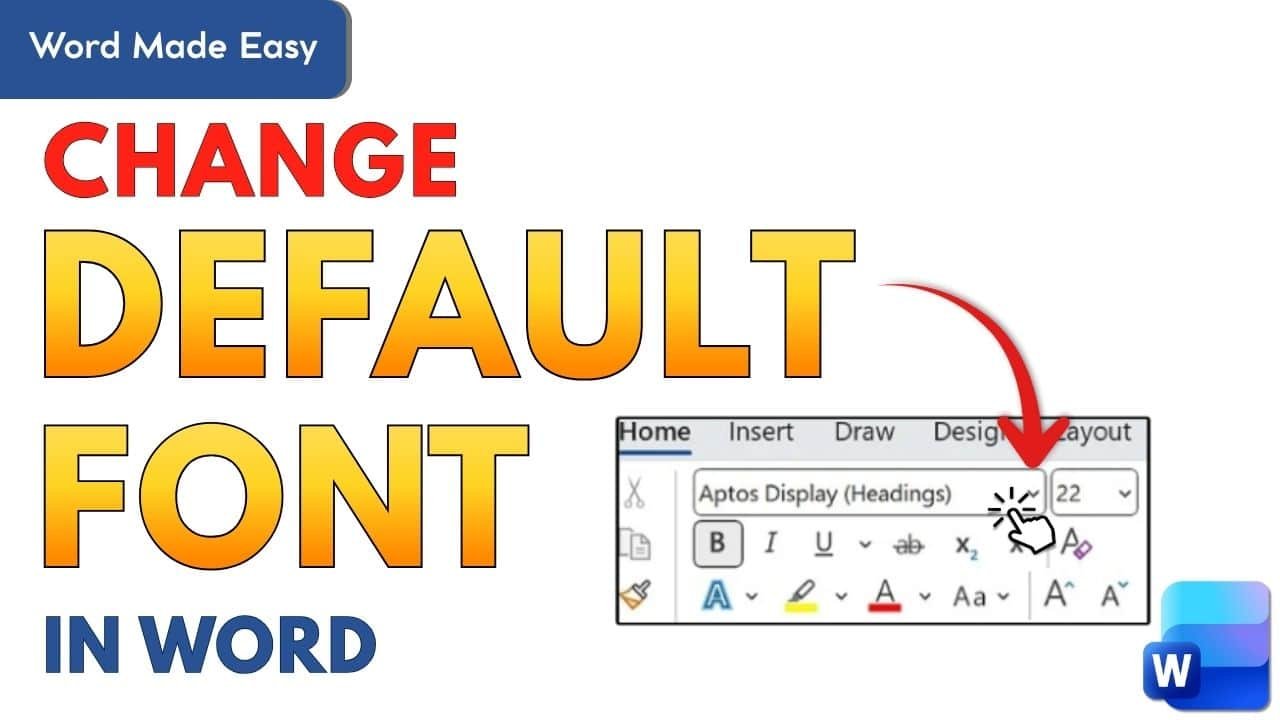
Learn how to change the default font in Microsoft Word so every new document opens with your preferred style and size. This step?by?step guide shows how to update the Normal template, apply changes globally or to a single file, and troubleshoot common issues.
How To Do Double Line Spacing in Word: 3 Easy Methods
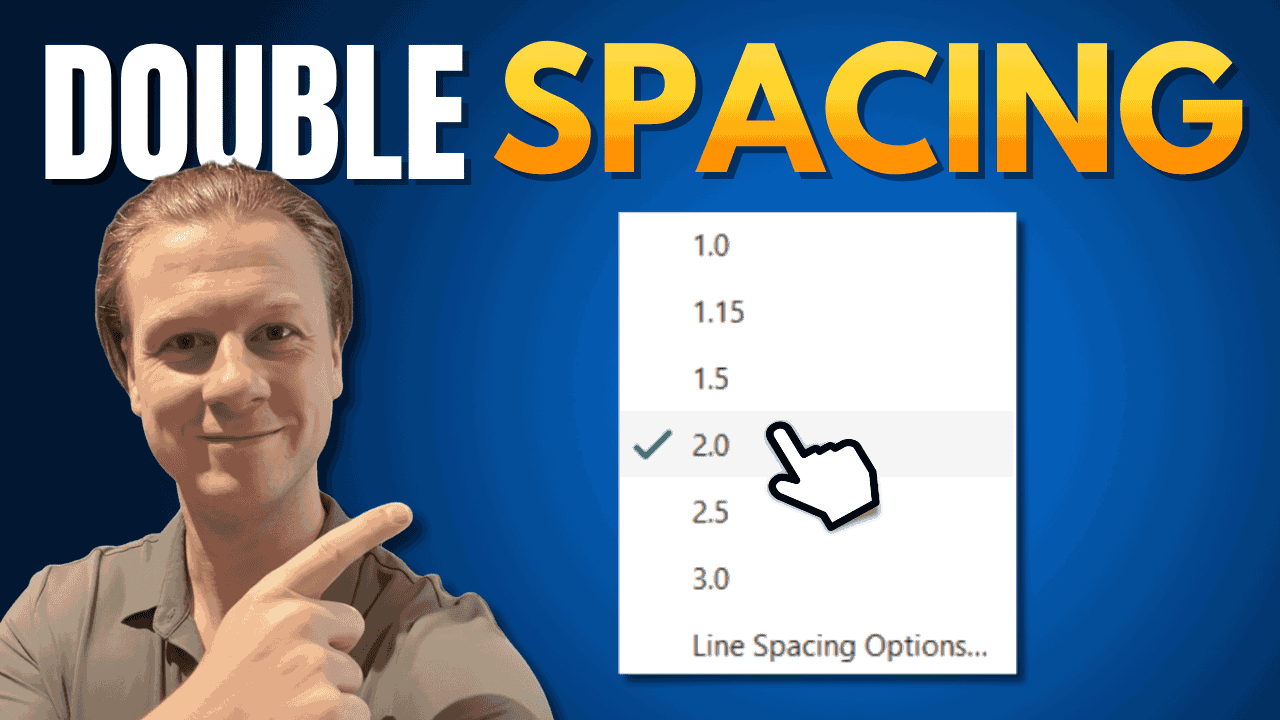
Learn three quick ways to apply double line spacing in Microsoft Word — using paragraph settings, keyboard shortcuts, or the spacing button. Ideal for essays, reports, and professional documents.
How to Change Margins in Word: 3 Easy Methods (Quick Guide)
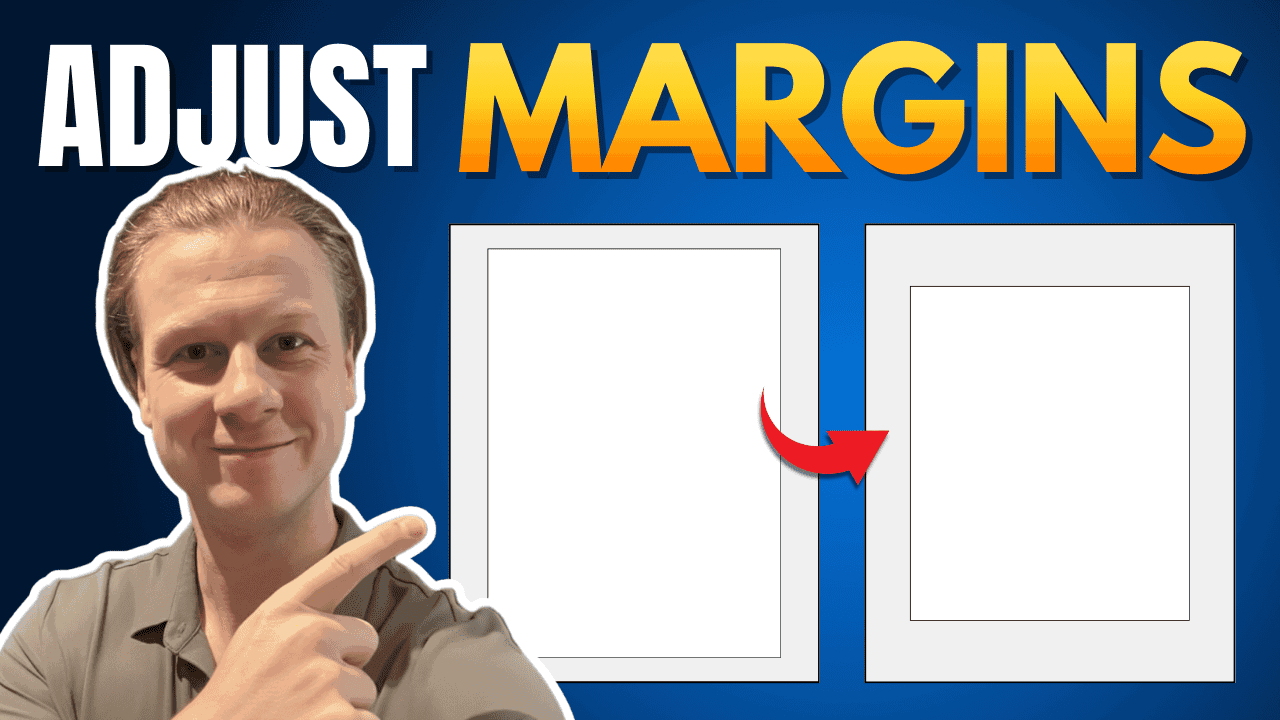
Master three easy ways to adjust margins in Microsoft Word — using presets, custom settings, or the ruler tool. Learn which method fits your needs, how margins affect layout, and how to set defaults for future documents.
How to Add Lines in Word: 2 Easy Methods (Quick Guide)
Learn two simple ways to add horizontal lines in Word — using tables or dashes — and how to fine-tune spacing for clean, professional documents. Ideal for forms, reports, and worksheets.