How to Set A4 as Default in Word: 2 Easy Methods

Learn how to set the default paper size to A4 in Microsoft Word with this easy step-by-step guide. Discover how to change page settings permanently, improve document consistency, and ensure every new Word document automatically opens using the A4 paper format.
How to Rearrange Pages in Word

Learn how to rearrange pages in Microsoft Word using simple methods such as cut and paste, the Navigation Pane, and Outline View. This step-by-step guide explains how to move sections, reorder content, and organize large Word documents efficiently, even though Word does not allow pages to be dragged and dropped like PowerPoint slides.
How to Duplicate a Page in Word: 2 Easy Steps

Learn how to duplicate a page in Microsoft Word using simple copy-and-paste methods and the Navigation Pane. This step-by-step guide covers duplicating single pages, entire sections, and preserving formatting to make document creation faster and more efficient.
How to Group Objects in MS Word: 3 Easy Steps

Learn how to group objects in Microsoft Word, including pictures, shapes, icons, text boxes, charts, and SmartArt graphics. This step-by-step guide explains how to combine multiple objects into a single group, move and resize them together, and ungroup objects when needed for easier document formatting and design.
How to Change Page Size in Word: 3 Easy Methods

Learn how to change page size in Microsoft Word using standard paper formats like A4, A5, Letter, Legal, and custom dimensions. This guide explains how page resizing affects document formatting, printing, layouts, and text placement for professional Word documents.
How to Create an Index in Word: 5 Easy Steps

Learn how to create an index in Microsoft Word by marking entries, inserting an index, and updating page numbers automatically. This step-by-step guide helps you organize long documents and make key topics easy to find.
How to Print a Booklet in Word: 5 Easy Steps

Learn how to print a booklet in Microsoft Word using the built-in book fold feature. This step-by-step guide shows how to set up layout, adjust gutter margins, and print double-sided for professional-looking booklets at home or the office.
How to Remove Gridlines in Word: 3 Easy Methods

Discover how to remove gridlines in Microsoft Word with this quick and easy guide. Learn why gridlines appear and how to turn them off for a cleaner document.
How to Delete an Extra Page in Word: 4 Easy Methods

Learn how to delete an extra page in Microsoft Word quickly and easily. This guide shows you how to identify and remove page breaks and section breaks using simple tools so you can fix unwanted blank pages and keep your document clean and professional.
Remove Headers and Footers in Word: 3 Easy Methods

Learn how to remove headers and footers in Microsoft Word with this simple step-by-step guide. Discover how to delete them from your entire document or just the first page to create clean, professional-looking documents with ease.
How to Remove Page Numbers in Word: 3 Easy Methods

Learn how to remove page numbers in Microsoft Word quickly and easily. Follow this step-by-step guide to delete, adjust, or hide page numbers for a clean, professional document.
How to Create Automatic Chapters in Word: 3 Easy Methods

Learn how to create auto chapters in Word using heading styles for better structure, navigation, and professional document formatting.
How to Create a Table of Contents in Word (4 Steps)

Learn how to create an automatic table of contents in Microsoft Word in just a few simple steps. This guide shows you how to apply heading styles, generate a clickable TOC, and update it as your document changes—helping you create professional, well-structured documents quickly.
Different Footers on Different Pages

Footers repeat by default in Microsoft Word, but you can change that. Learn how to use section breaks and unlink footers so each page can have its own footer.
How to Delete an Empty Page in Microsoft Word
Learn how to remove blank pages in Word using three simple methods — Backspace, the Show/Hide ¶ tool, and the Navigation Pane. This guide explains why empty pages appear and how to delete them cleanly without affecting your formatting.
How to Insert Different Page Numbers in Word: 6 Easy Steps
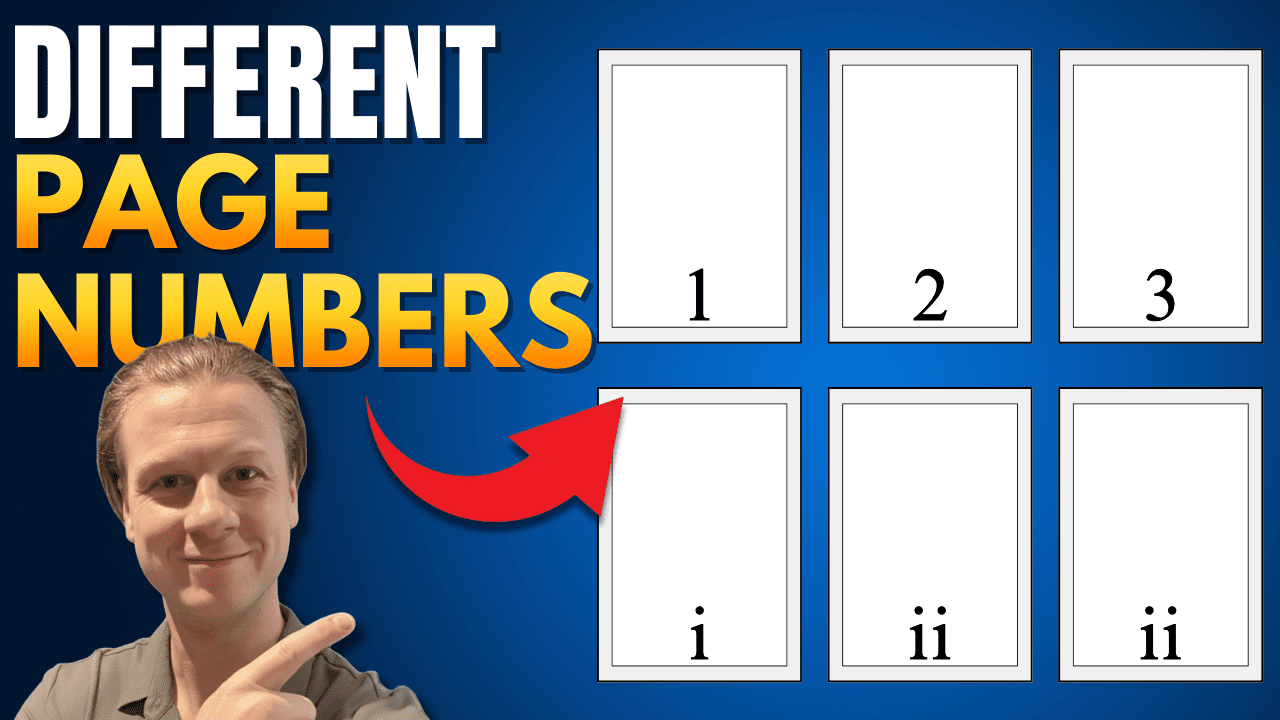
Learn how to insert different page number formats in Microsoft Word — like Roman numerals for front matter, Arabic numbers for main content, and letters for appendices. This step-by-step guide walks you through using section breaks and unlinking headers to customize page numbers in any part of your document.
How to Rotate One Page in Word: 5 Easy Steps (Quick Guide)
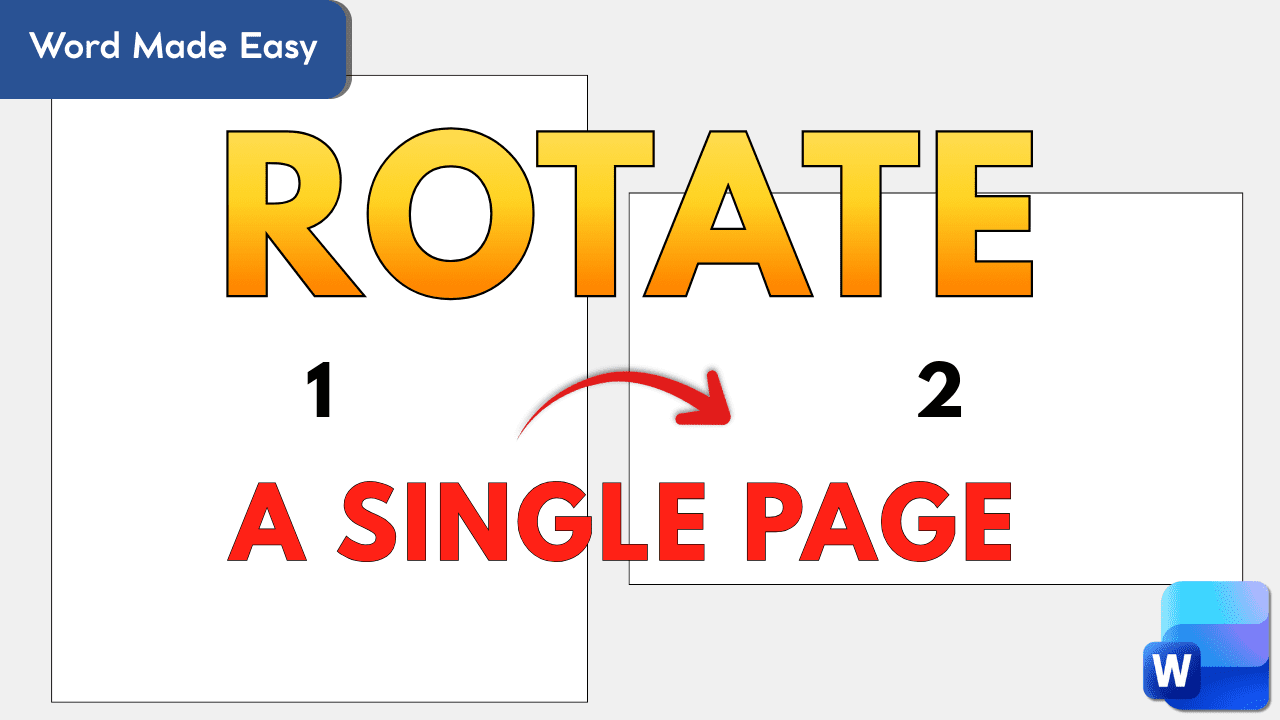
Learn how to rotate a single page in Microsoft Word without flipping the entire document. This step-by-step guide shows how to use section breaks to switch one page to landscape — perfect for wide tables, charts, or custom layouts.