28 Essential Mail Merge Shortcuts in Word (Free PDF)

Mail merge shortcuts in Word enhance efficiency by minimising clicks while setting up recipients and inserting fields. This guide lists essential shortcuts for starting merges, previewing records, and finishing documents. Users are cautioned to verify shortcut compatibility with their Word version. A free printable PDF cheat sheet is available for reference.
How to Open a Word Document in Google Docs: 2 Steps

To open a Word document in Google Docs, upload the DOCX file to Google Drive, then convert it into a genuine Google Doc using ‘File ? Save as Google Docs’. The original Word file remains intact, enabling you to keep both versions. This process ensures easy sharing and editing within Google Docs.
How to Type Square Root Symbol in Word: 3 Easy Methods

Learn how to type a square root symbol in Microsoft Word using the Equation Editor, keyboard shortcuts, and Unicode. This step-by-step guide covers multiple methods for inserting and formatting square root symbols in mathematical equations, academic papers, and technical documents.
How to Check Spelling and Grammar in Microsoft Word

Learn how to check spelling and grammar in Microsoft Word with this step-by-step guide. Discover how to enable proofing tools, set the correct proofing language, fix spelling and grammar errors, and use Word’s Editor to create clear, professional, and error-free documents.
How to Change Inches to Centimeters in Word: 3 Steps

Learn how to change measurement units from inches to centimeters in Microsoft Word. This step-by-step guide shows you where to find the setting, how to update it, and how to verify the change for easier document formatting and page layout management.
How to Draw in Word: 5 Easy Steps

Learn how to draw in Microsoft Word using the built-in Draw tools, including pens, pencils, erasers, Ink to Shape, and Ink to Math. This step-by-step guide explains how to enable the Draw tab, create freehand sketches, convert drawings into shapes, and use digital inking features in Word.
How to Hide the Ribbon in Word: 4 Easy Methods

Learn how to show or hide the Ribbon Bar in Microsoft Word using simple settings and keyboard shortcuts. This guide explains how to collapse the ribbon, keep it permanently visible, and create more workspace for faster and distraction-free document editing.
How to Create a Drop-Down List in Word: 3 Easy Steps

Learn how to create a drop-down list in Microsoft Word using the Developer tab and content controls. This step-by-step guide explains how to add, customize, duplicate, and edit interactive drop-down menus for forms, templates, surveys, and professional Word documents.
How to Add the Developer Tab in Word: 5 Easy Steps (Quick Guide)

Learn how to add the Developer tab in Microsoft Word to access advanced tools like checkboxes, drop-down lists, macros, and form controls. This guide shows how to enable the Developer tab quickly and use it to create interactive and customizable Word documents.
How to Insert an Excel Sheet in Word: 3 Easy Methods

Learn how to insert an Excel sheet into Microsoft Word using simple methods like copy and paste, live linking, and embedding. This guide shows how to keep data updated, manage links, and create dynamic documents with Excel tables in Word.
How to Insert Tick Marks in Word: 3 Easy Methods

Learn how to insert tick and check marks in Microsoft Word using simple Unicode shortcuts and the Alt + X method. This quick guide shows multiple check mark styles, explains how the codes work, and helps you add symbols to your documents faster without using menus or extra tools.
How to create a QR Code in Word: 3 Easy Steps

Generate QR codes in Microsoft Word without plugins using the built-in DISPLAYBARCODE feature. This step-by-step guide shows how to create, customize, and update QR codes quickly for documents, flyers, and professional use.
How to Create Barcodes in Word: 4 Easy Steps

Create professional barcodes directly in Microsoft Word using built-in tools no fonts or software required. This guide shows you how to generate, edit, and customize multiple barcode types, including Code 128, Code 39, EAN-13, and UPC-A, in just a few simple steps.
How to Create a Fillable Form in Word: 6 Easy Steps (Quick Guide)
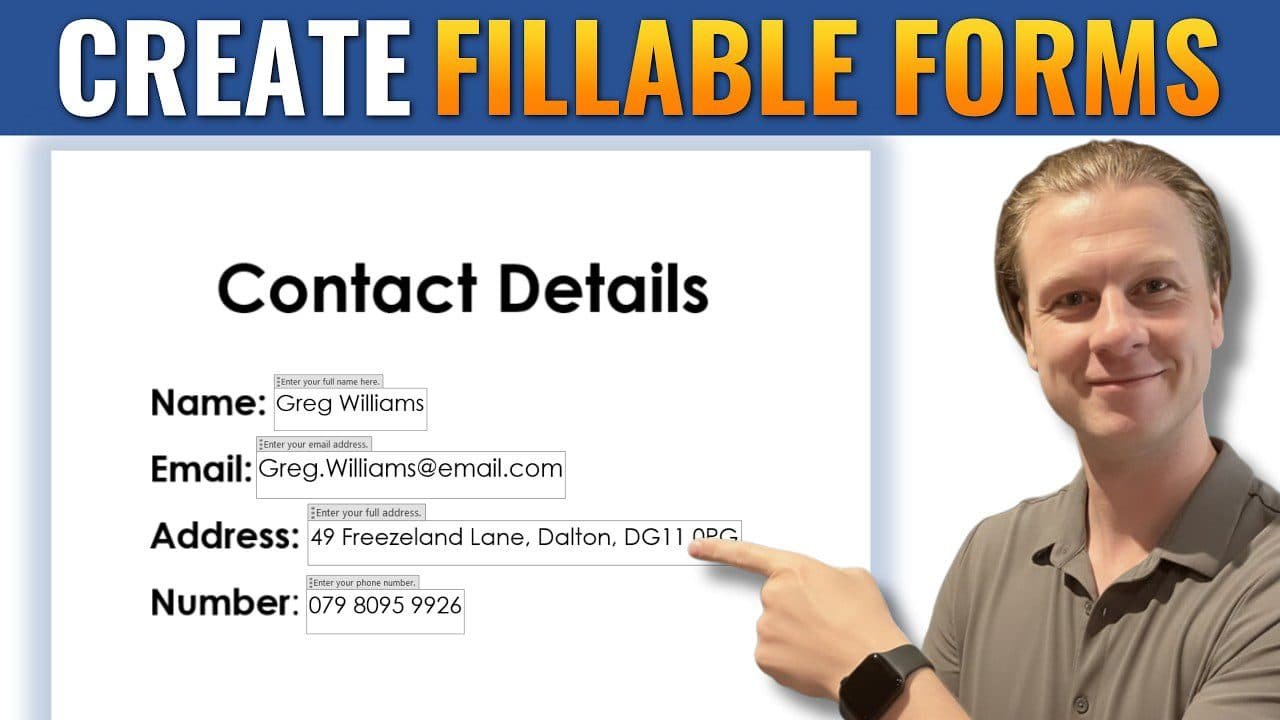
Learn how to create a fillable form in Microsoft Word using simple steps. By enabling the Developer tab, adding content controls, and protecting your document, you can quickly turn a basic file into an interactive form. This guide shows you how to build professional, user-friendly forms for surveys, applications, and more without needing any extra software.
How to Insert a Check Box in Word: 5 Easy Steps (Quick Guide)
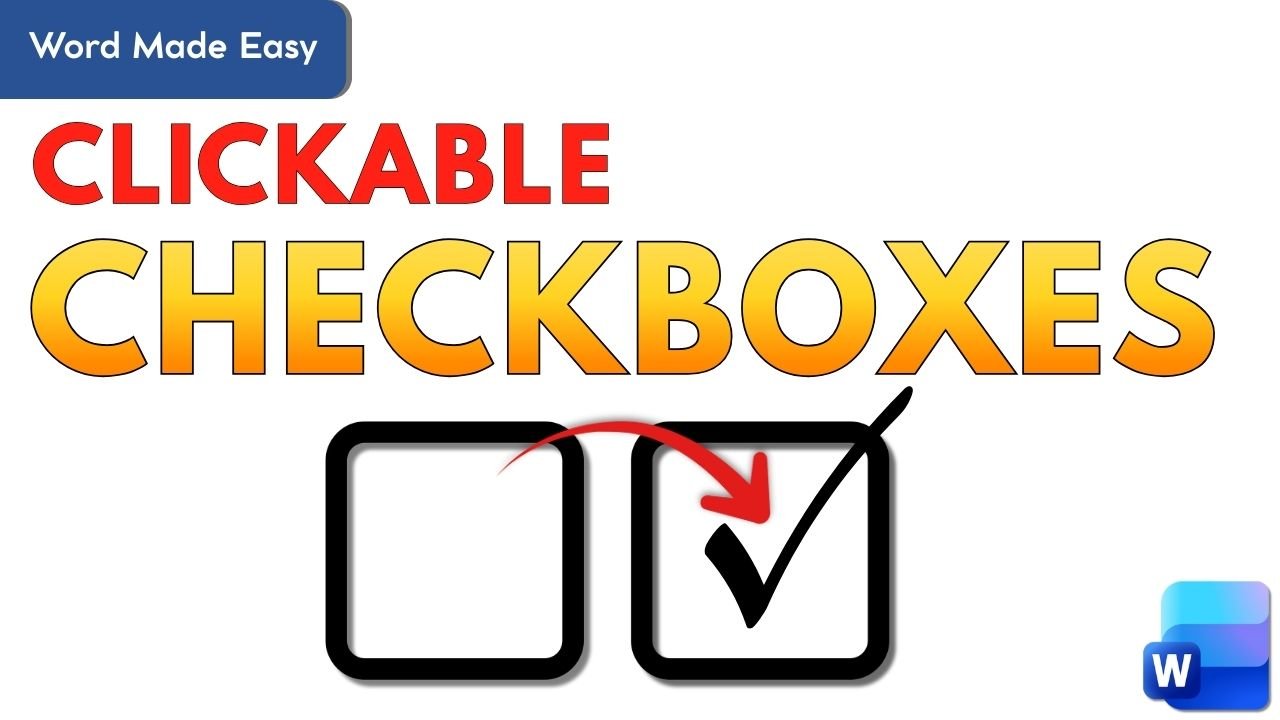
Learn how to insert a clickable checkbox in Microsoft Word using the Developer tab. This step-by-step guide shows you how to enable Developer tools, insert checkbox content controls, and change the default cross to a tick symbol.
How to Insert a Word Counter in Word: 3 Easy Steps

Learn how to insert a word counter directly into your Word document using Word’s built-in field tools. This easy guide shows how to add, update, and position an automatic word count for essays and professional documents.
How to Merge Documents in Word: 3 Easy Methods
Learn how to merge multiple Microsoft Word documents into one file using the “Text from File” feature — no copying and pasting needed. Perfect for combining reports, fact sheets, chapters, or training materials in just a few clicks.
Microsoft Word Keyboard Shortcuts Cheat Sheet (Free PDF)
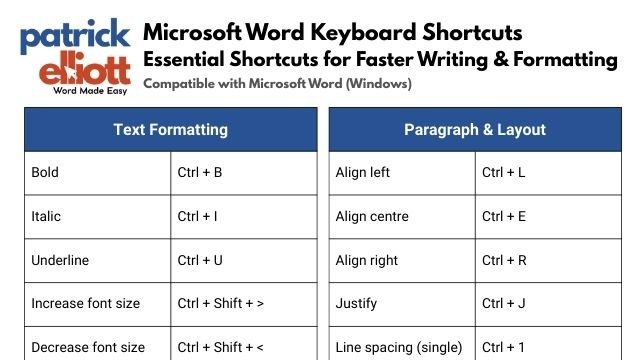
Work faster in Microsoft Word with this printable keyboard shortcuts cheat sheet. From formatting and navigation to editing and proofreading, these shortcuts help students, professionals, and everyday users save time and stay focused.
How to Convert a PDF to Word Document: 6 Steps
Learn how to convert a PDF to an editable Word document using Microsoft Word’s built-in tool—no extra software or internet required. This step-by-step guide shows how to drag and drop your PDF, enable editing, and fix common formatting issues with ease.
How to Write Fractions in Word
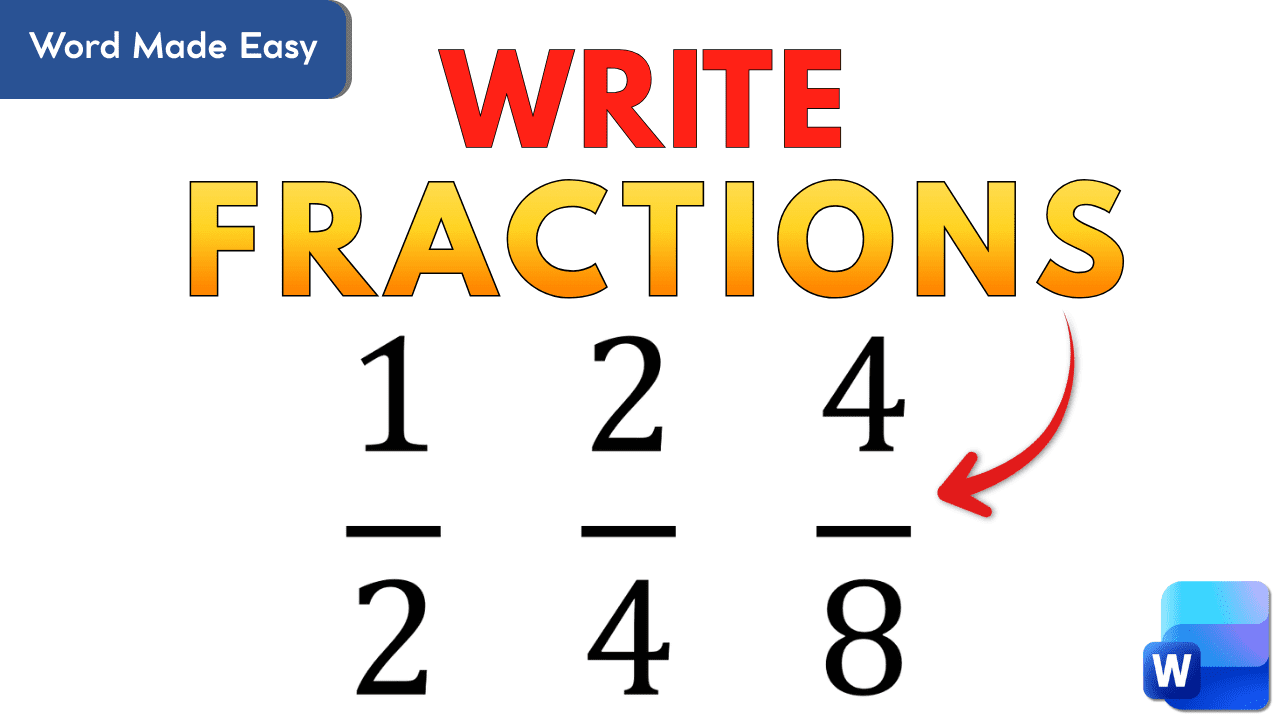
Learn how to write neat, professional fractions in Word using the Equation tool. This guide shows step-by-step how to format simple, stacked, and improper fractions with built-in shortcuts and templates—ideal for students, teachers, and anyone writing math content.
How to Use Dictation in Microsoft Word
Learn how to use Microsoft Word’s built-in dictation tool to convert speech to text in real time. This guide covers setup, settings, and tips for clear, accurate dictation—perfect for faster writing, accessibility, and hands-free typing.
How to Password Protect a Word Document (and Why You Should)
Learn how to password protect Microsoft Word documents with three built-in methods: encrypting to open, restricting edits, and setting read-only access. This guide explains when and how to use each one — perfect for keeping forms, templates, and private files secure.