How to Create a Word Scramble Game in PowerPoint
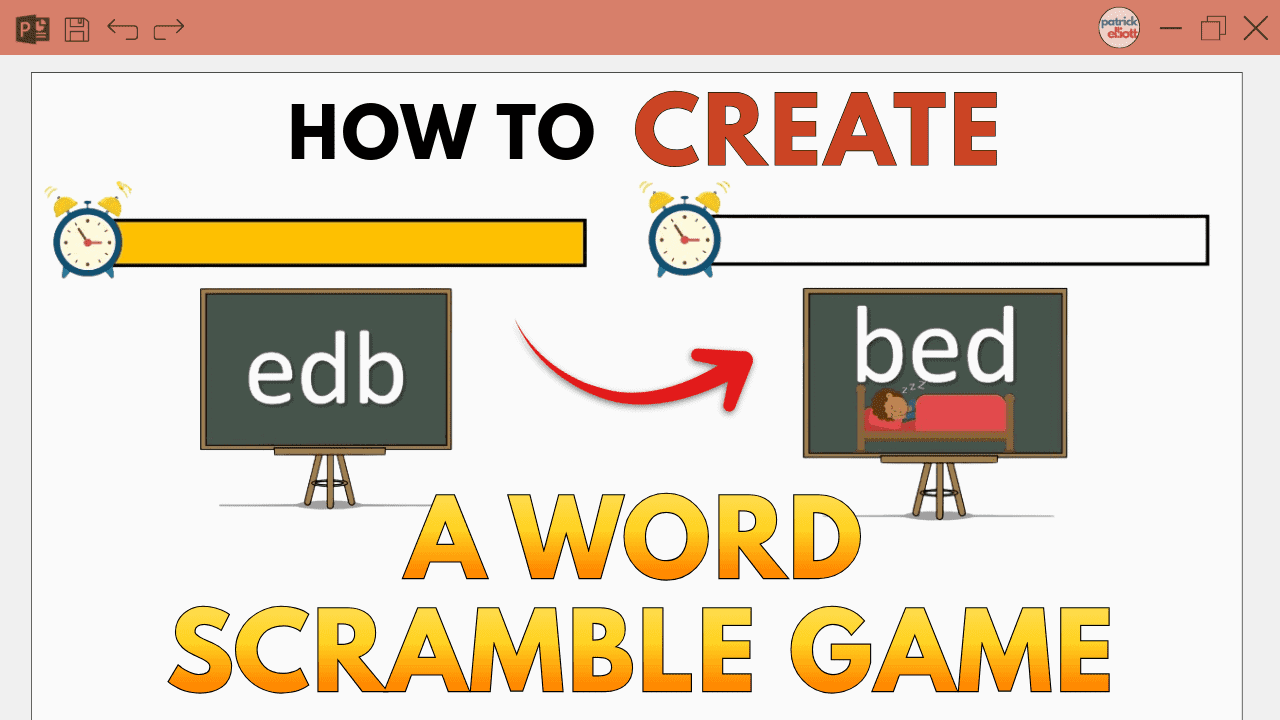
Turn a classic learning activity into an interactive game with PowerPoint. This guide shows how to create a word scramble game with countdown timers, animations, sound effects, and image reveals—perfect for classrooms, homeschooling, or fun literacy practice.
How to Record Audio and Screen in PowerPoint: 4 Easy Steps
Learn how to record audio and screen directly in PowerPoint. This step-by-step guide shows you how to narrate slides, capture screen activity with sound, trim your recordings, and export them as standard media files — no extra software needed.
How to Insert Different Page Numbers in Word: 6 Easy Steps
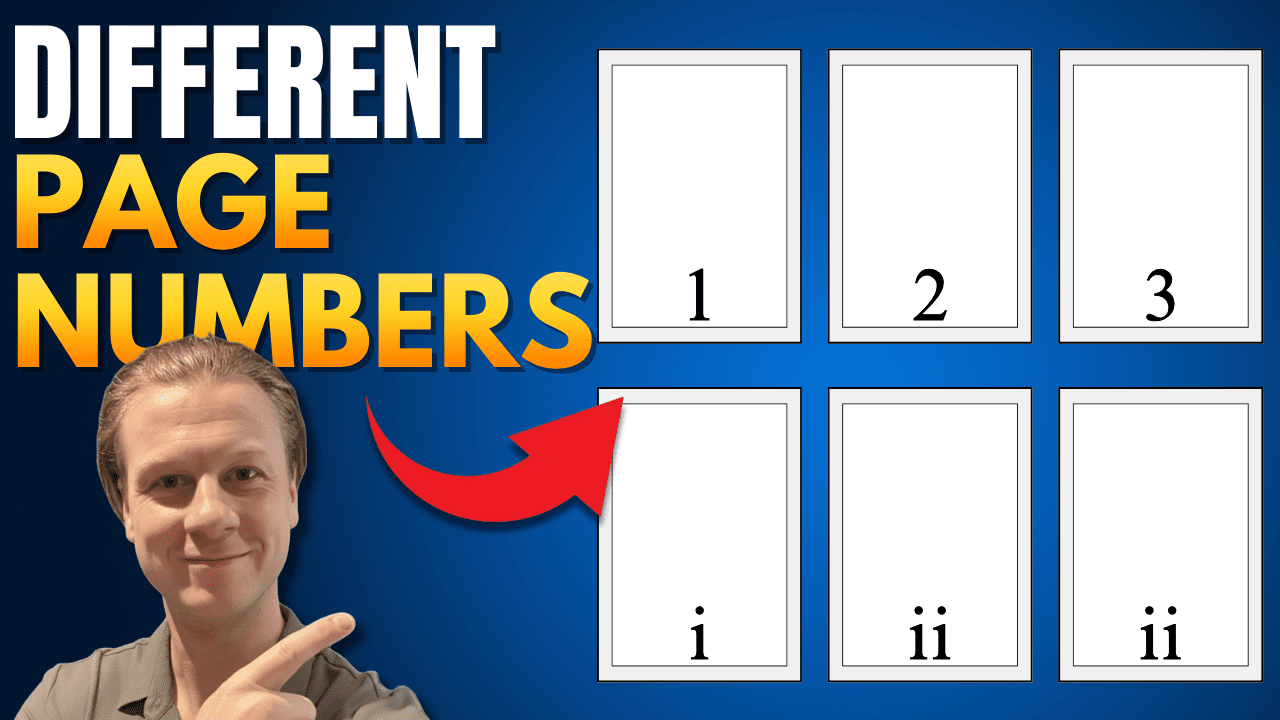
Learn how to insert different page number formats in Microsoft Word — like Roman numerals for front matter, Arabic numbers for main content, and letters for appendices. This step-by-step guide walks you through using section breaks and unlinking headers to customize page numbers in any part of your document.
How To Do Double Line Spacing in Word: 3 Easy Methods
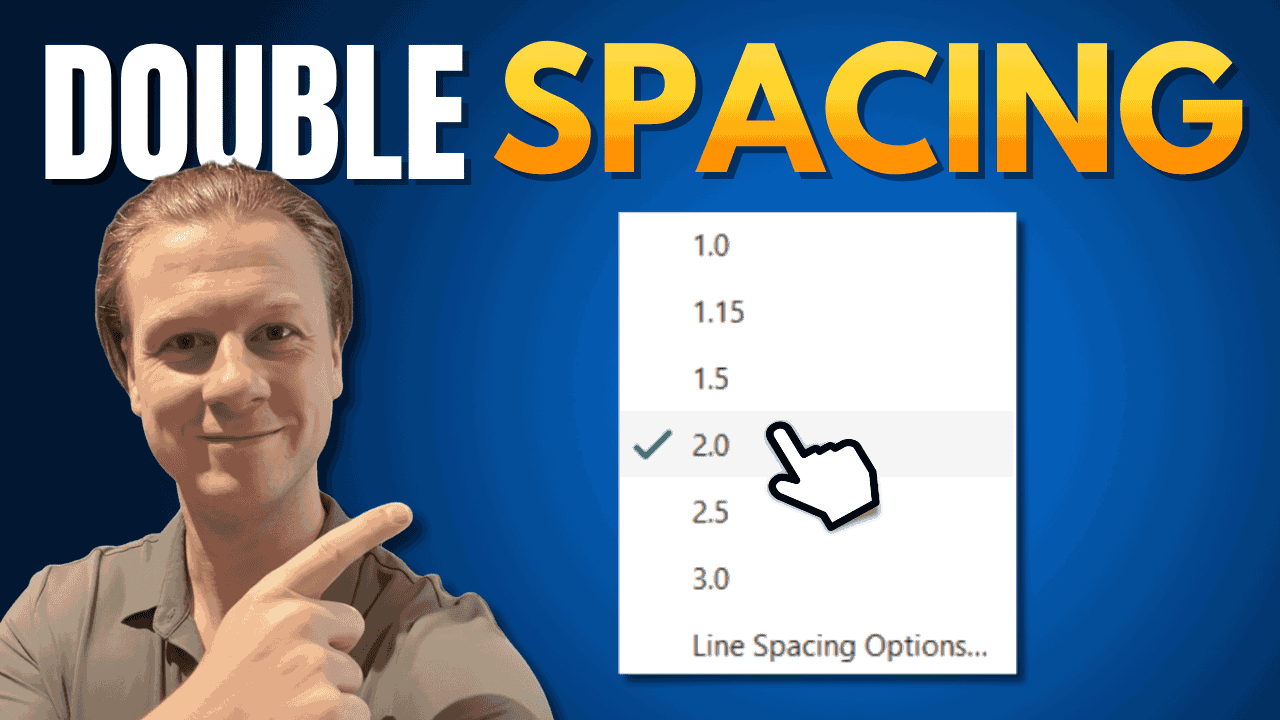
Learn three quick ways to apply double line spacing in Microsoft Word — using paragraph settings, keyboard shortcuts, or the spacing button. Ideal for essays, reports, and professional documents.
How to Change Margins in Word: 3 Easy Methods (Quick Guide)

Master three easy ways to adjust margins in Microsoft Word — using presets, custom settings, or the ruler tool. Learn which method fits your needs, how margins affect layout, and how to set defaults for future documents.
How to Password Protect a Word Document (and Why You Should)
Learn how to password protect Microsoft Word documents with three built-in methods: encrypting to open, restricting edits, and setting read-only access. This guide explains when and how to use each one — perfect for keeping forms, templates, and private files secure.
How to Add Lines in Word: 2 Easy Methods (Quick Guide)
Learn two simple ways to add horizontal lines in Word — using tables or dashes — and how to fine-tune spacing for clean, professional documents. Ideal for forms, reports, and worksheets.
How to Rotate One Page in Word: 5 Easy Steps (Quick Guide)
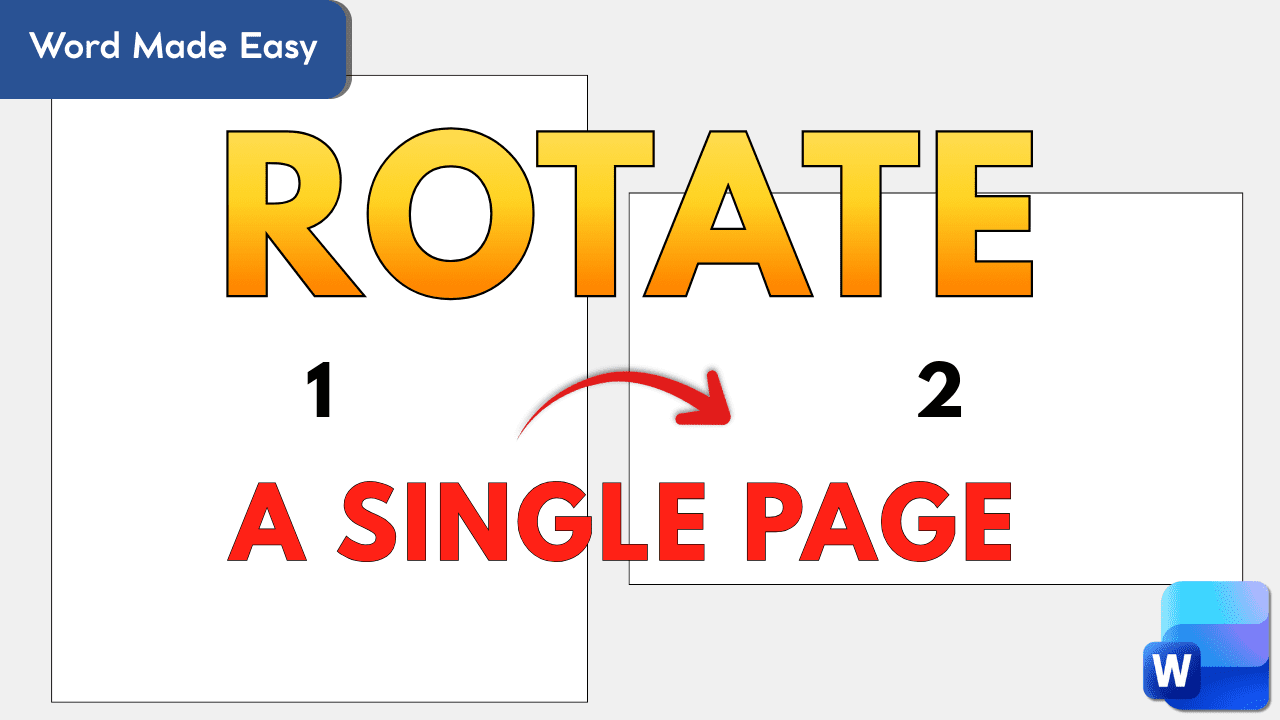
Learn how to rotate a single page in Microsoft Word without flipping the entire document. This step-by-step guide shows how to use section breaks to switch one page to landscape — perfect for wide tables, charts, or custom layouts.